🟥 HashiCorp Consul — ACL & Security (FULL PRACTICAL TUTORIAL)
Tool: Consul
🧠 ACL Mental Model (Lock This First)
Consul ACL answers only one question:
❓ Who is allowed to do what in Consul?
ACLs apply to:
- Nodes
- Services
- KV Store
- Intentions (service mesh)
- UI & HTTP API
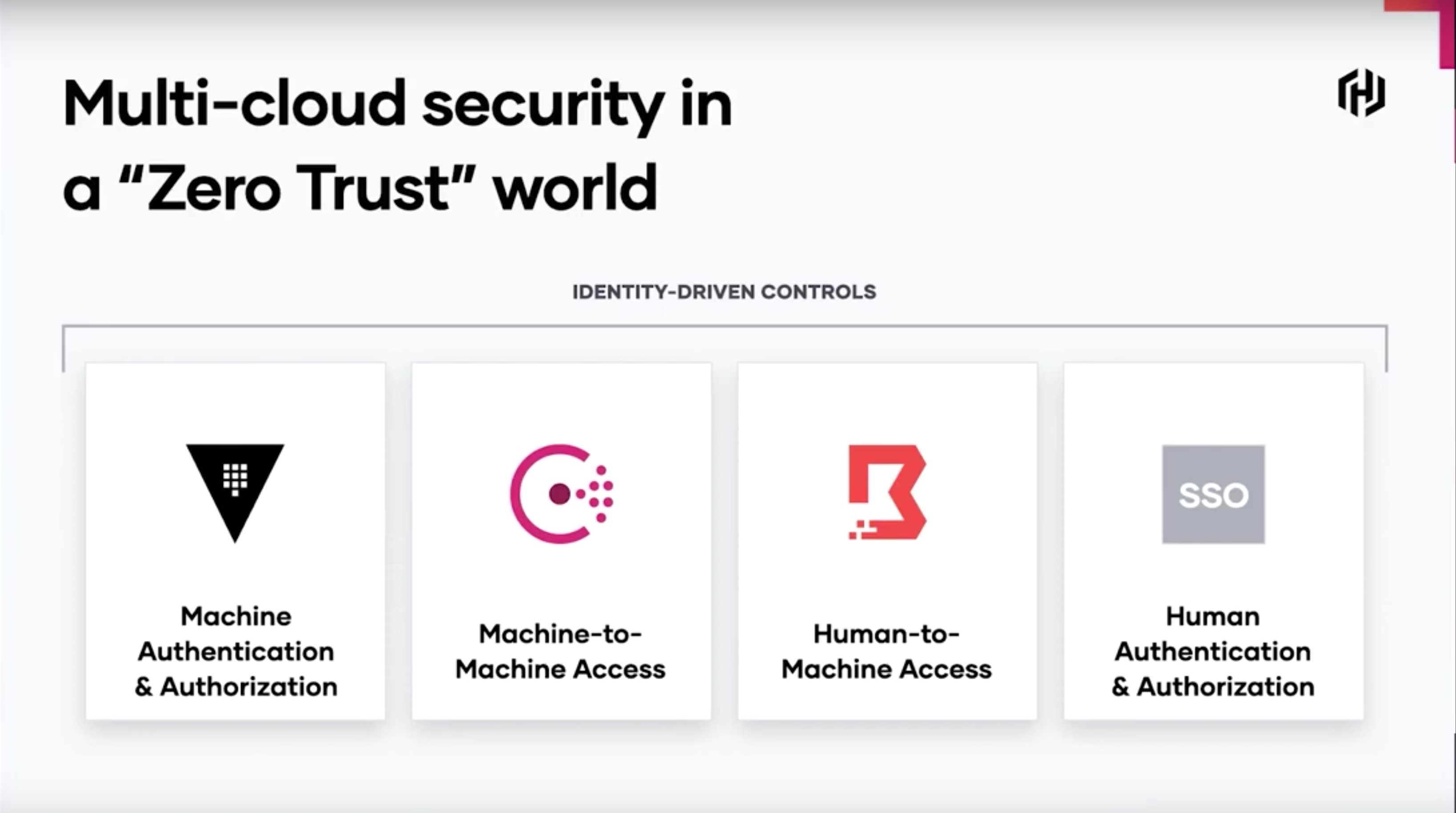
Consul uses Zero Trust:
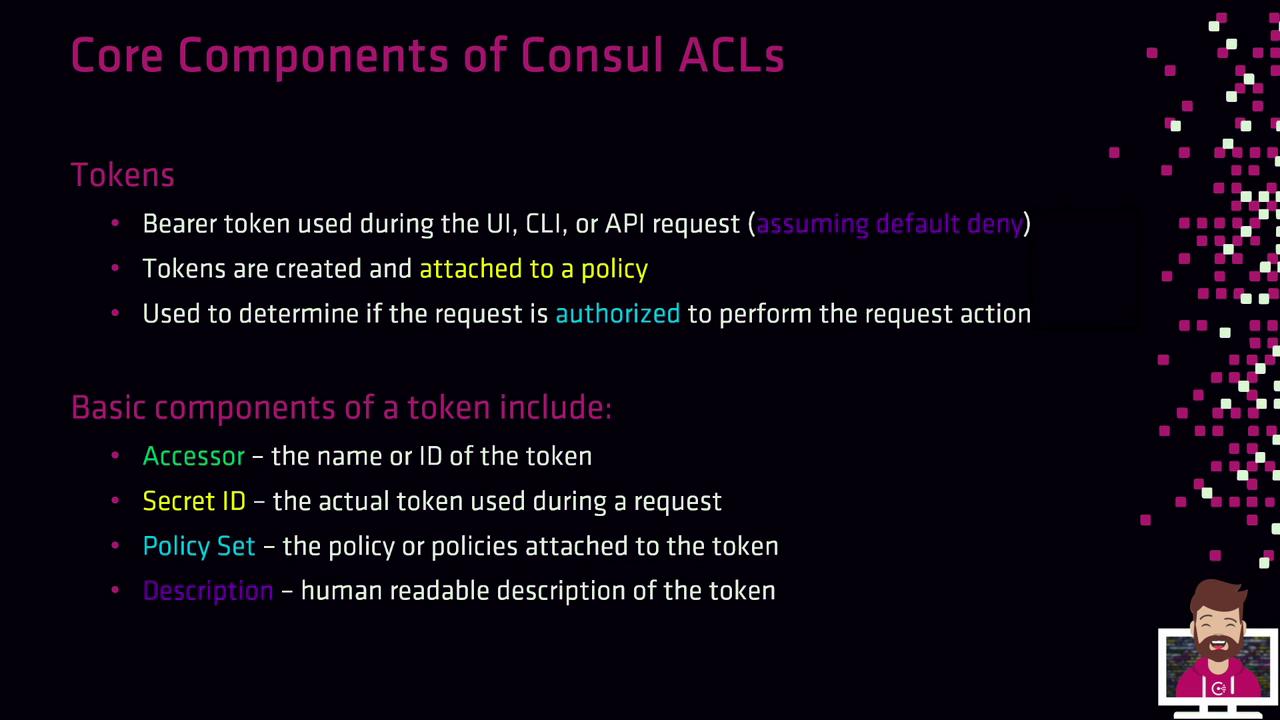
🧱 ACL Core Components (Very Important)
| Component | Meaning |
|---|---|
| Policy | Permissions (rules) |
| Token | Identity |
| Role | Group of policies (optional) |
| Management Token | Root access |
Flow:
0️⃣ Prerequisites (Your Current State)
You already have:
✅ ACL enabled via config
✅ Non-dev Consul server
✅ Root token available
✅ -token flag working
So we proceed cleanly.
1️⃣ Verify ACL Is Enabled
Run (with root token):
If this works → ACL system is active.
2️⃣ Bootstrap Token (Root Token) — RECAP
This was done already, but for completeness:
Output:
📌 Rules for root token
- Never use in apps ❌
- Use only for admin tasks ✅
- Store securely ✅
3️⃣ Understand Default Behavior (Critical)
Because you configured:
This means:
| Action | Without token |
|---|---|
consul members |
❌ denied |
consul kv get |
❌ denied |
| UI write | ❌ denied |
This is correct.
4️⃣ Create a Read-Only Admin Policy
Use case
- Observability
- Support engineers
- Monitoring tools
4.1 Create policy file
readonly.hcl
4.2 Create policy
docker exec consul-server consul acl policy create \
  -name readonly \
  -description "Read-only access" \
  -rules @readonly.hcl \
  -token=ROOT_TOKEN
4.3 Create token
docker exec consul-server consul acl token create \
  -description "readonly-token" \
  -policy-name readonly \
  -token=ROOT_TOKEN
Save the SecretID.
4.4 Test read-only token
Try write:
❌ Denied → correct behavior
5️⃣ Service-Specific ACL (REAL MICROSERVICE SECURITY)
Now we do proper production security.
Scenario
webservice-
Can:
-
Read its own service
- Read only
web/*KV keys -
Cannot:
-
Modify catalog
- Read other services
- Access other KV paths
5.1 Create web policy
web-policy.hcl
5.2 Create policy
docker exec consul-server consul acl policy create \
  -name web-policy \
  -rules @web-policy.hcl \
  -token=ROOT_TOKEN
5.3 Create web token
docker exec consul-server consul acl token create \
  -description "web-service-token" \
  -policy-name web-policy \
  -token=ROOT_TOKEN
Save the token.
6️⃣ KV Store ACL (Very Important)
6.1 Write KV as root
6.2 Read KV using web token
✅ Allowed
6.3 Attempt forbidden KV access
❌ Denied → least privilege enforced
7️⃣ Protect Service Registration (Advanced but Important)
Without ACLs:
- Anyone can register fake services ❌
With ACLs:
- Only authorized tokens can register services
Example policy snippet
This allows:
- Register / deregister
web - Nothing else
8️⃣ UI Authentication with Tokens
Open: 👉 http://localhost:8500
You’ll see:
- 🔒 Many UI actions disabled
- 🔐 Token required
Login:
- Top-right → ACL → Login
-
Try:
-
Root token → full access
- Read-only token → view only
9️⃣ Token Usage Patterns (REAL WORLD)
| Token Type | Usage |
|---|---|
| Root | Bootstrap only |
| Admin | Limited ops |
| Service token | App identity |
| CI/CD token | Short-lived |
| Read-only | Monitoring |
🔐 BEST PRACTICE: Inject Tokens into Containers
Example (later for services):
⚠️ Never bake root token into images.
🔍 ACL Debugging Commands (You WILL need these)
# List policies
consul acl policy list -token=ROOT

# Read token details
consul acl token read -id TOKEN_ID -token=ROOT

# List tokens
consul acl token list -token=ROOT

# Check denied logs
docker logs consul-server | grep acl
✅ ACL CHECKLIST (FINAL)
| Item | Status |
|---|---|
| ACL enabled | ✅ |
| Root token secured | ✅ |
| Policies created | ✅ |
| Tokens scoped | ✅ |
| KV protected | ✅ |
| UI secured | ✅ |
| Zero-trust enforced | ✅ |
🧠 What You Now Truly Understand
You can now explain:
- Why ACLs are config-driven
- Why
-devmode disables ACLs - Token vs policy vs role
- Zero-trust service networking
- How Consul prevents data leaks
- How real production clusters work
This is interview-level + real-world knowledge.